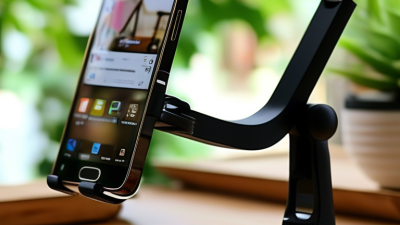
A phone propped against a coffee mug can work—until the screen slides, the video call starts, or your neck begins to complain. A well-chosen Mobile Holder For Desk keeps the display visible and steady, whether you are following a recipe, checking messages, or joining a meeting. Small accessory. Noticeable difference.
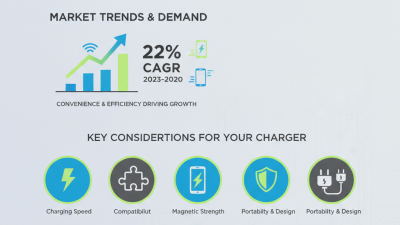
The scale of mobile use helps explain why desk setup matters. DataReportal’s Digital 2025 Global Overview Report estimated 5.78 billion unique mobile phone users worldwide. That figure describes people, not desk-holder purchases, so it should not be mistaken for proof of market demand. It does, however, show how widely phones are used in everyday life. In practice, the best holder depends on your routine: a weighted base suits a fixed desk, while a foldable stand is easier to carry between rooms.
Ergonomics matters, too. Cornell University ergonomics expert Dr. Alan Hedge is often credited with the reminder, “The best posture is your next posture.” A stand can raise a screen, but it cannot make one position comfortable all day. Move often. Check the hinge, base grip, viewing angle, and phone-case clearance before buying. Our 2026 picks compare those everyday details, alongside portability and value. No model fits every desk; even a sturdy stand can wobble on a crowded surface. That is worth admitting.
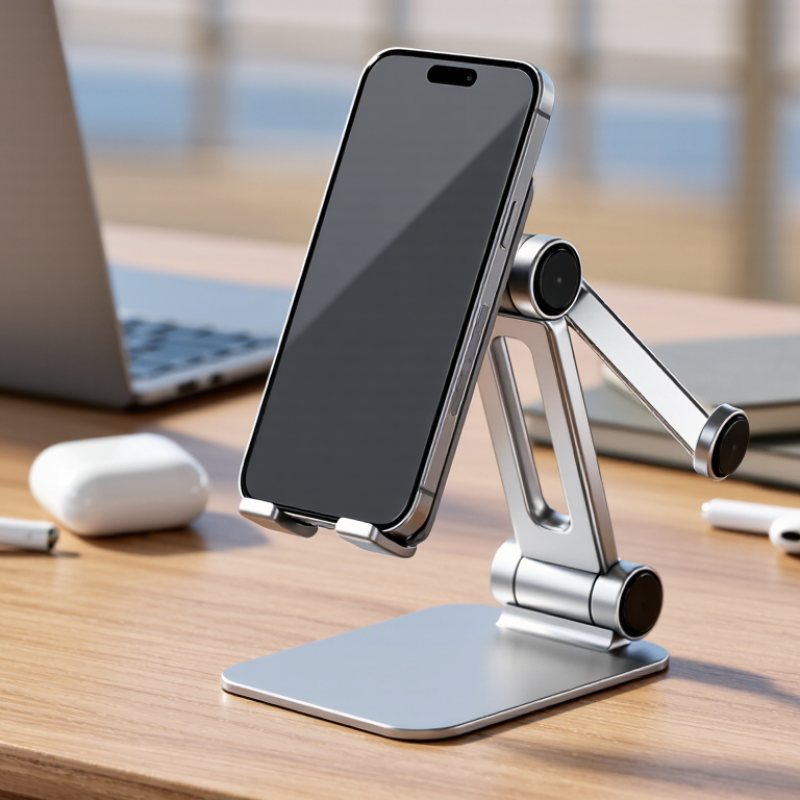
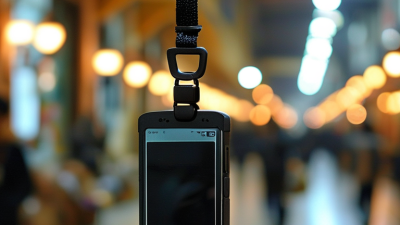
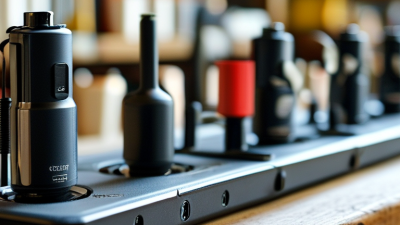
A desk phone holder is a support that keeps a smartphone upright or tilted on a work surface. Most designs use a base or desk clamp, a hinged arm, and a cradle or magnetic plate. The base resists movement while the hinge sets the viewing angle. Simple idea. The phone stays visible without being held.
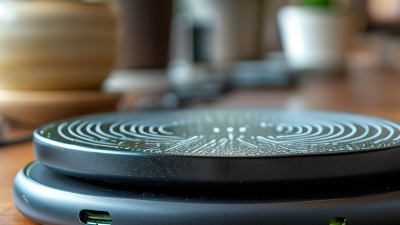
When you place a phone in the cradle, padded edges or a retaining lip help prevent it from slipping. Magnetic designs rely on a compatible attachment point, so check that your phone can connect securely. Adjustable joints let you raise the screen toward eye level or angle it toward your hands. Some stands fold flat; others use a heavier base for steadiness. A loose hinge can sag, though, especially with a larger phone.
For desk use, stability matters more than a long list of adjustments. Tap the screen gently and notice whether the holder rocks or shifts. Check that the charging port remains accessible and that the stand does not block your keyboard or task lamp. A higher position may reduce neck bending, but it can also crowd a small desk. The best setup depends on your reach, screen size, and daily habits. Even then, the perfect angle may take a little trial and error.